NestHR · Attendance Management

Attendance Management Software
for Indian Businesses

Track attendance by biometric, face recognition, GPS geo-fence or selfie. Apply shifts and overtime rules automatically, manage leave, and send clean data straight to payroll.

Book a Free Demo
Employee marking attendance in NestHR

Ways to capture attendance in one system

Different teams work differently. Use one method or mix several across branches, all feeding the same attendance record.

Biometric attendance software

Sync punches from supported biometric devices. Keep the machines you already own and see every punch in one dashboard.

Face recognition attendance

Employees check in with their face on a phone or kiosk. Time and place are saved, which makes proxy attendance hard.

GPS and geo-fence attendance

Allow check-in only inside your office, site or store radius. Useful for field staff and multi-branch teams.

Selfie attendance

Staff clock in with a selfie from the app. Managers can review the photo, time and location.

Mobile app and web check-in

No device to buy. Employees mark attendance from the NestHR mobile app or the web portal.

Attendance regularisation

Forgot to punch? The employee requests a correction, the manager approves, and the change is logged.

Attendance rules, shifts and payroll connected

Set your policies once. NestHR applies them to every employee, every day.

Shift management software

Create fixed or rotating shifts and assign them by team or branch. NestHR applies the right shift to every punch.

Overtime management

Set overtime rules once. Overtime hours are calculated automatically and flow into salary.

Late, absent and present tracking

See who is on time, late or absent today. Daily dashboards replace the evening phone calls.

Leave management system

Leave requests, approvals and balances sit next to attendance, so absences are never counted twice.

Attendance-linked payroll

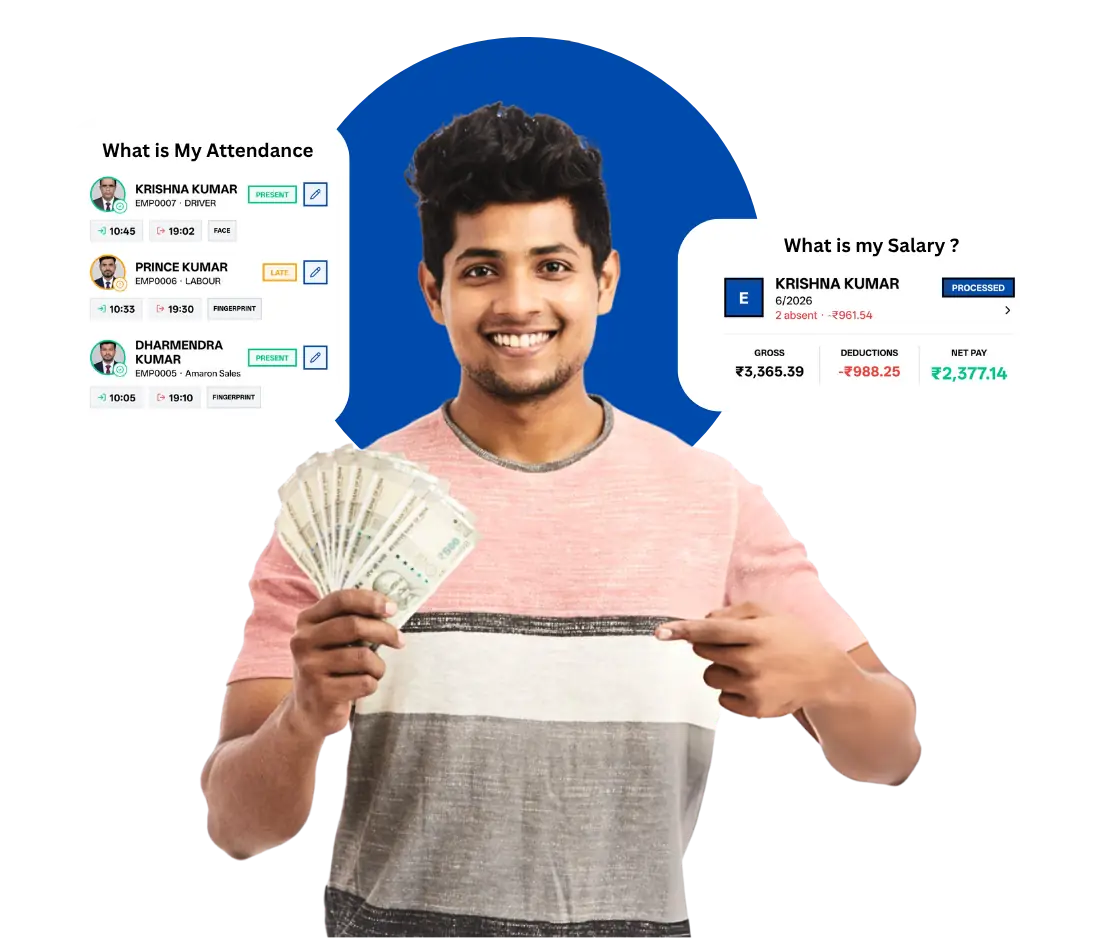
Present days, leave and overtime feed the salary run, including PF, ESI and TDS. No re-typing at month-end.

WhatsApp alerts

Approvals and HR updates reach managers on WhatsApp, where they already are.

Paper registers vs an online attendance system

Before
With NestHR
Marking attendance
Paper register or signature sheet
Face, GPS, selfie, biometric or app. Time and place saved.
Late and overtime
Counted by hand
Calculated from your shift and overtime rules.
Missed punch
Argument at month-end
Regularisation request with manager approval and a trail.
Leave
WhatsApp message, then a reply
Applied and approved in the app; balance updates itself.
Salary
Excel and two days of work
Computed from attendance, leave and overtime.
Reports
Made in a rush at month-end
Attendance, PF and ESI reports on demand.

Attendance software FAQs

What is attendance management software?

It records when each employee starts and ends work, applies your shift, late and overtime rules, and feeds the result into leave and payroll, so you stop maintaining paper registers and Excel sheets.

How can employees mark attendance in NestHR?

By face recognition, GPS with a geo-fence, a selfie, the mobile app or web portal, or a biometric device that syncs with NestHR. You can allow different methods for different teams or branches.

Can I use my existing biometric machine?

Yes. NestHR can sync punches from supported biometric devices, so you do not have to replace hardware you already own.

How does NestHR handle shifts and overtime?

You define shifts and overtime rules once. NestHR applies them to every punch, and overtime flows into salary calculation without manual entry.

What if an employee forgets to punch?

They send a regularisation request from the app. The manager approves or rejects it, and the attendance record is corrected with a trail of who changed what.

Does attendance connect to payroll?

Yes. Present days, leave, late marks and overtime feed directly into the salary run, including PF, ESI and TDS, so month-end payroll does not need re-entry.

Does it work for multiple branches?

Yes. Manage several branches and departments from one account, with branch-wise attendance views.

Can managers get alerts on WhatsApp?

Yes. NestHR can send HR and attendance alerts on WhatsApp, so managers do not need to open the dashboard to know what needs approval.

How much does attendance software cost in India?

Pricing depends on team size and the modules you pick. See the pricing section on the NestHR page or book a demo for a quote.

Looking for the full HR suite? See NestHR attendance and payroll software.

See NestHR attendance in action.
Book a free demo.

Book a Demo →